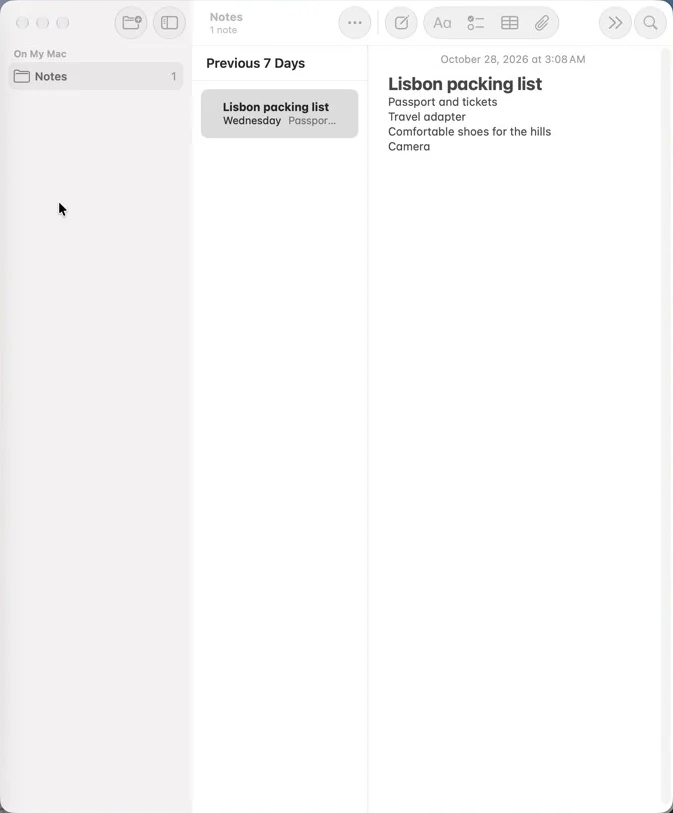
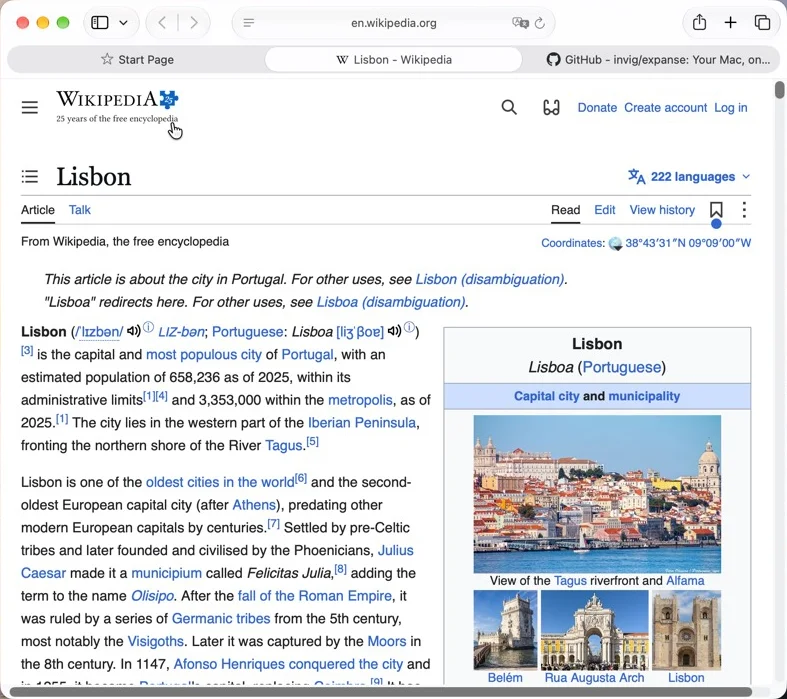
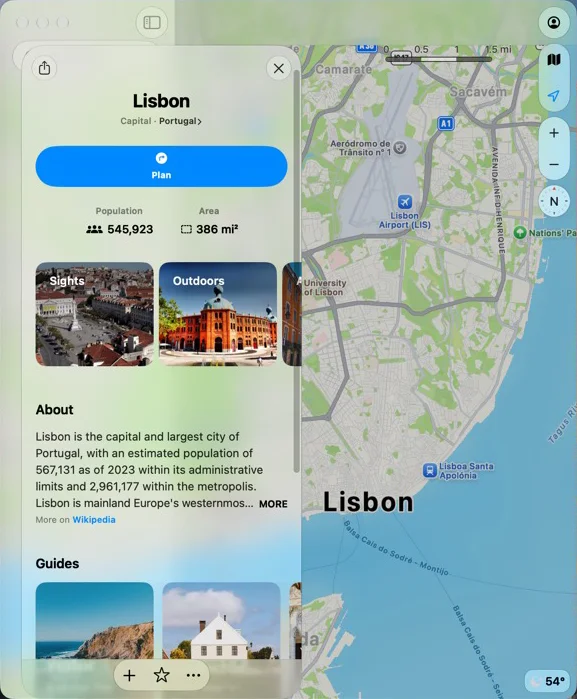
Expanse Your Mac, on an infinite canvas.

Free and open source. macOS 15 or later, on any Mac. Keeps itself up to date. By Matthew Salmon.

brew install --cask invig/tap/expanse

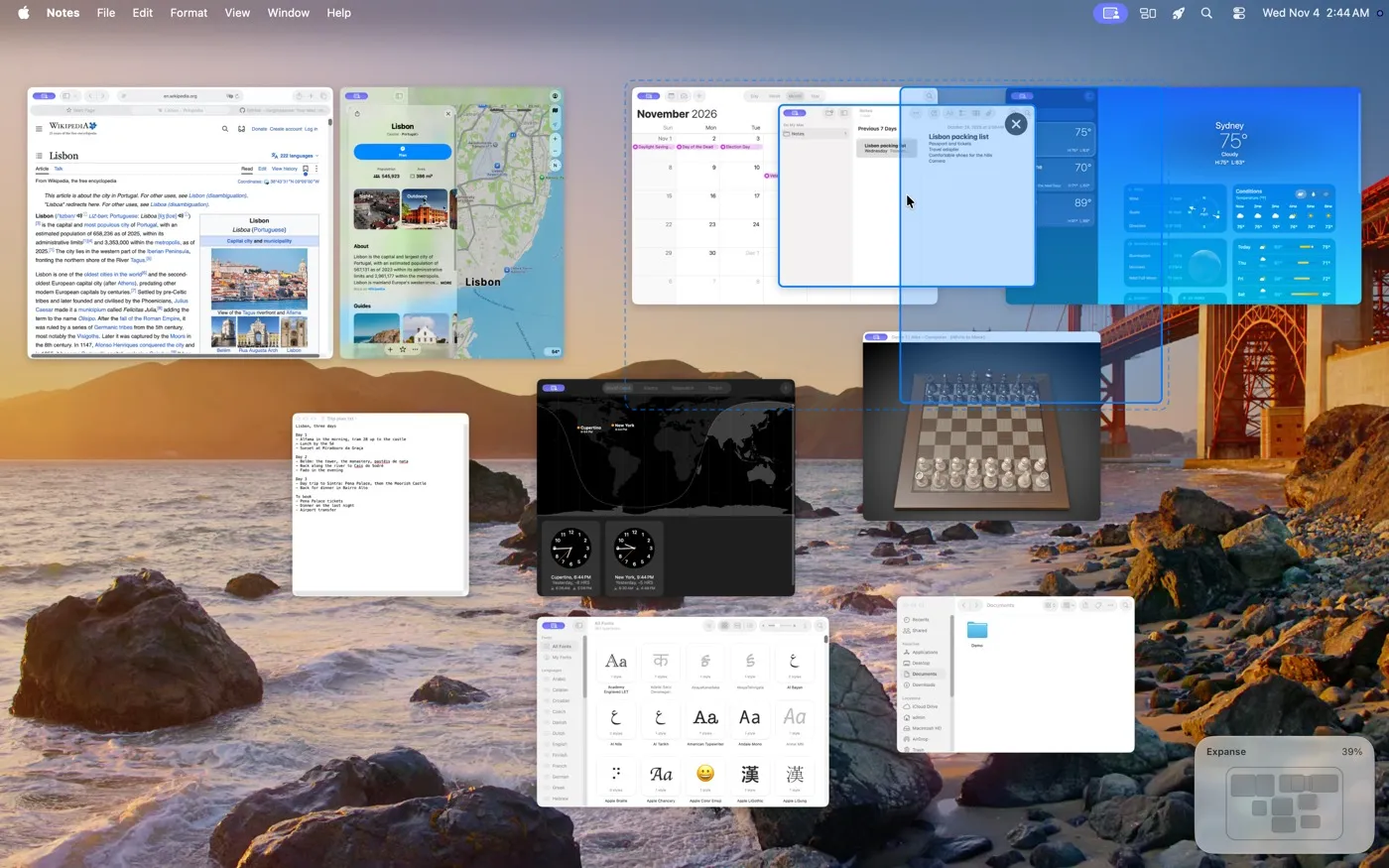
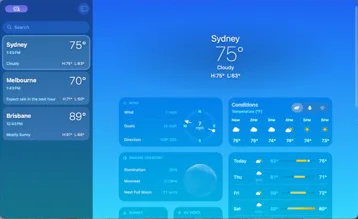
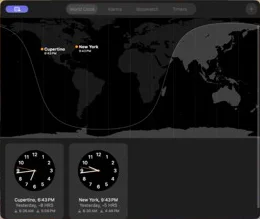
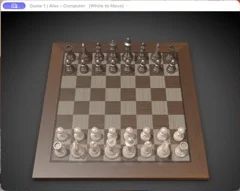
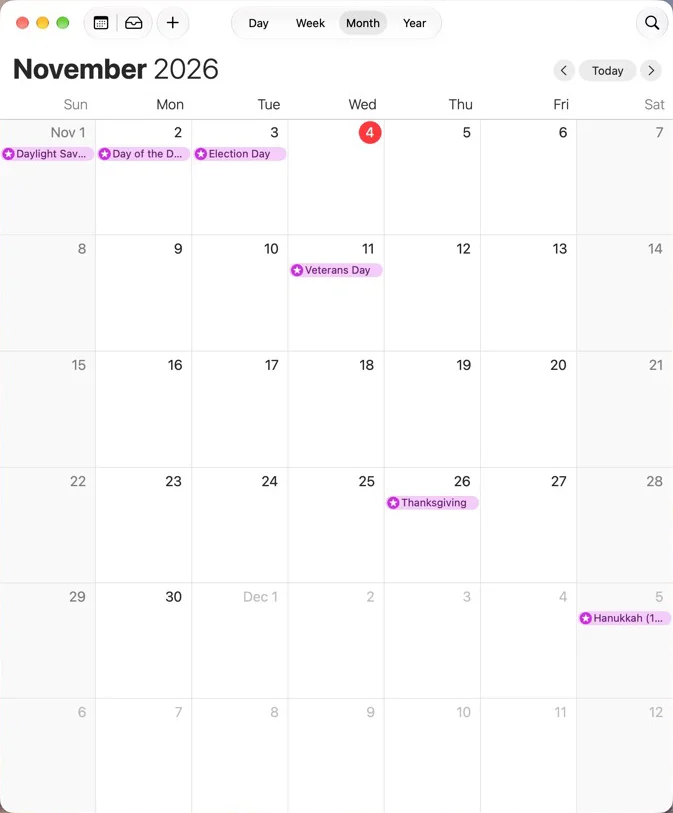
Every window gets its own place on one endless desktop. Zoom out to see them all. Click one to glide straight to it.
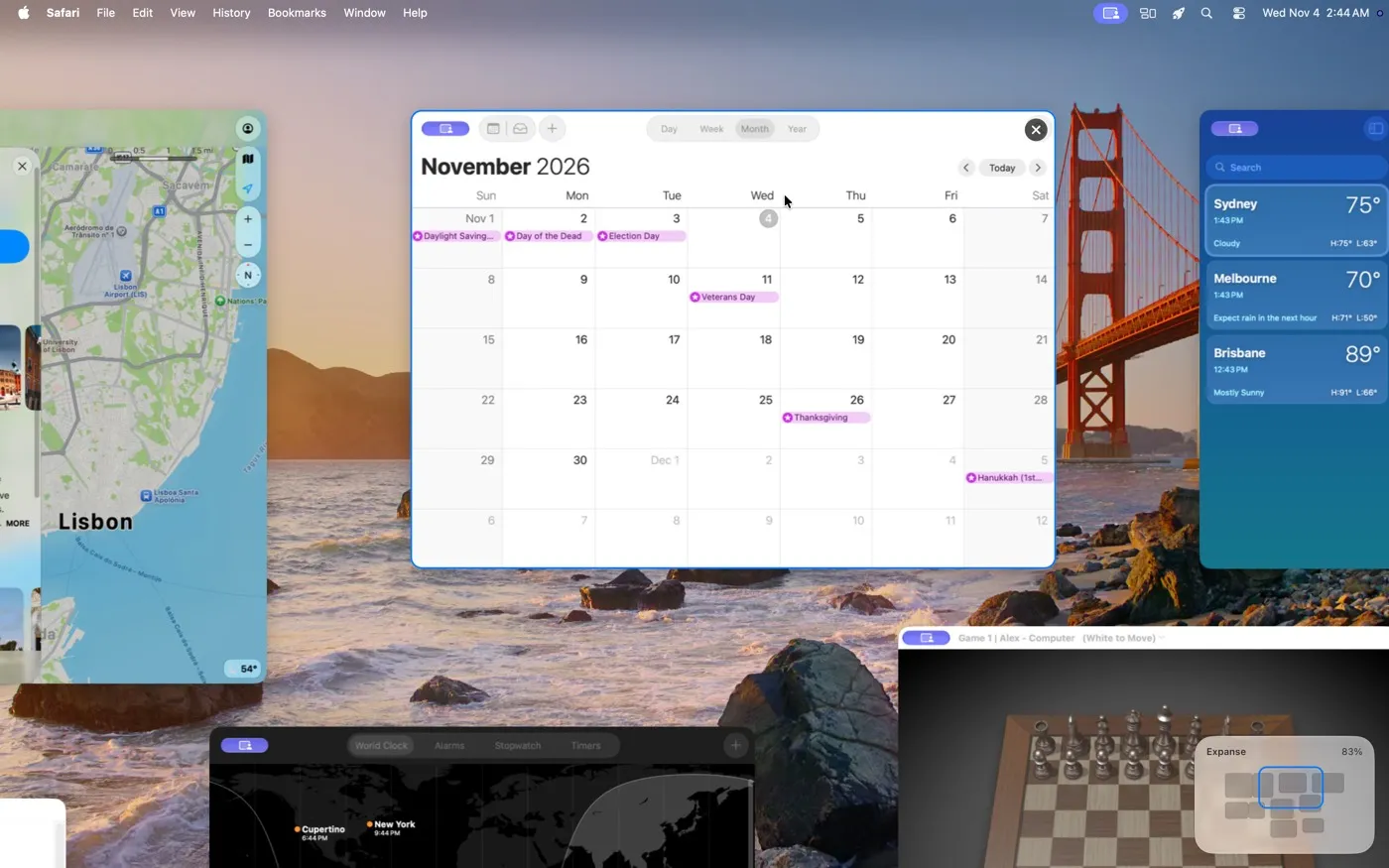
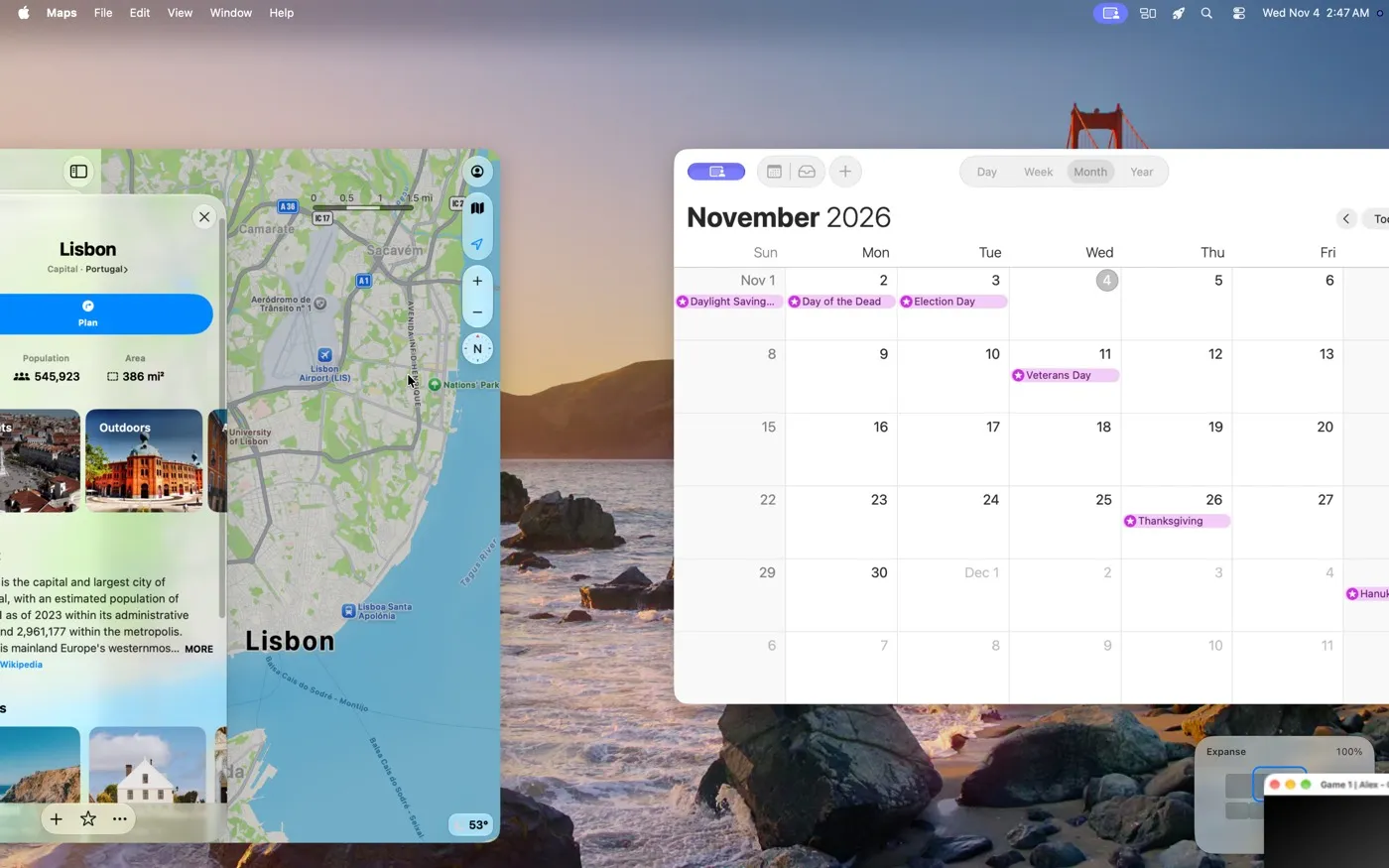
The view partway through zooming in on the Calendar window, its neighbours sliding off the edges of the screen
Click a window and the view glides to it, ready to use.
The view at 100% partway through moving from Maps to Calendar
⌃ + arrow keys hop to the next window in that direction. The view moves; the windows stay where they are.
Notes being dragged onto the right side of Calendar, with the right half of a screen highlighted
Drop a window on another's side or corner to tile them. The highlight shows where it will go.
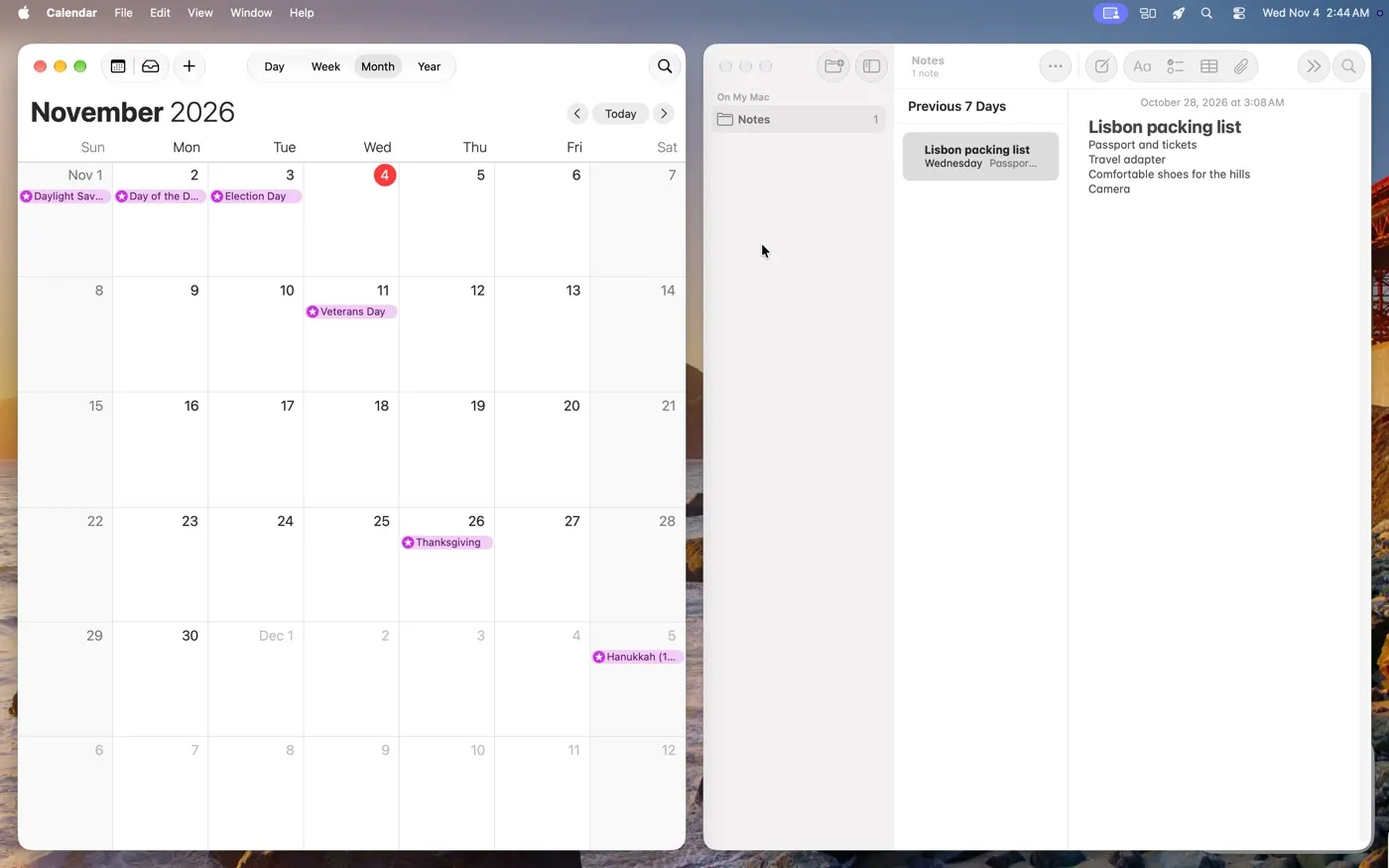
Calendar and Notes as two halves filling the screen at 100%
They become a screen: halves or quarters of your display, ready to use.

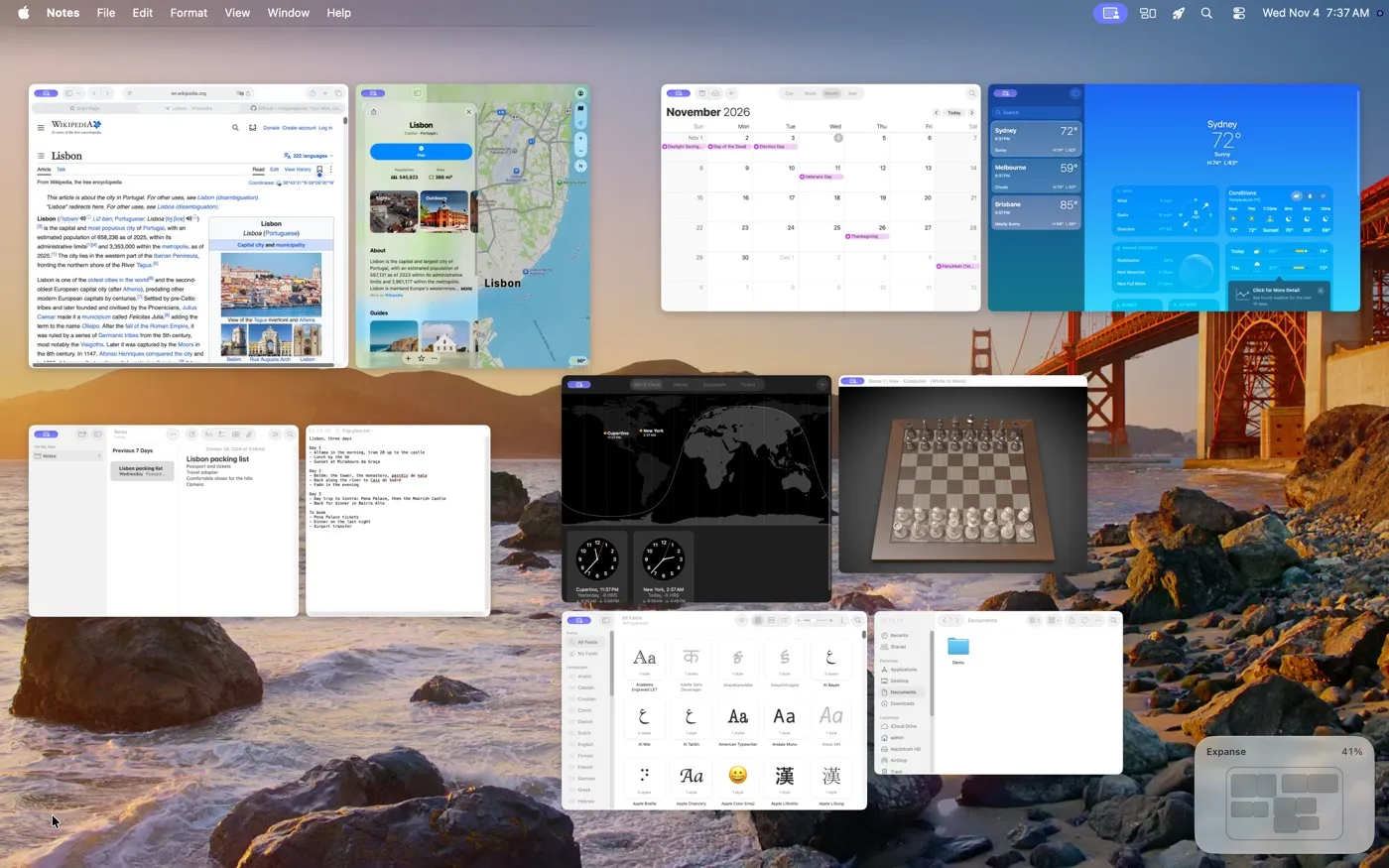
Tidy up with one key.

Before: windows out of line, with uneven gaps. Press T.
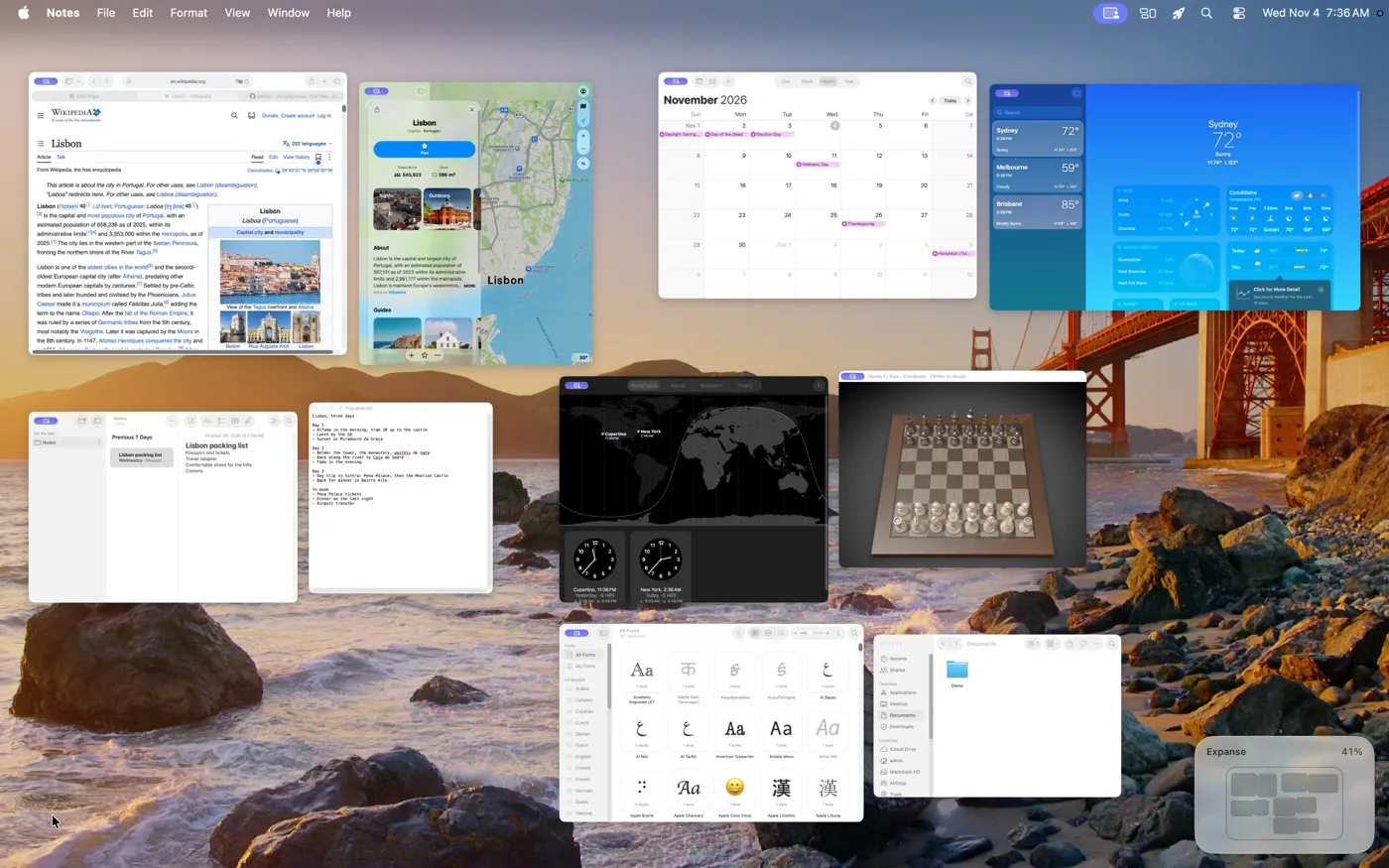
The canvas with pairs of windows out of line and unevenly spaced The same windows lined up and evenly spaced
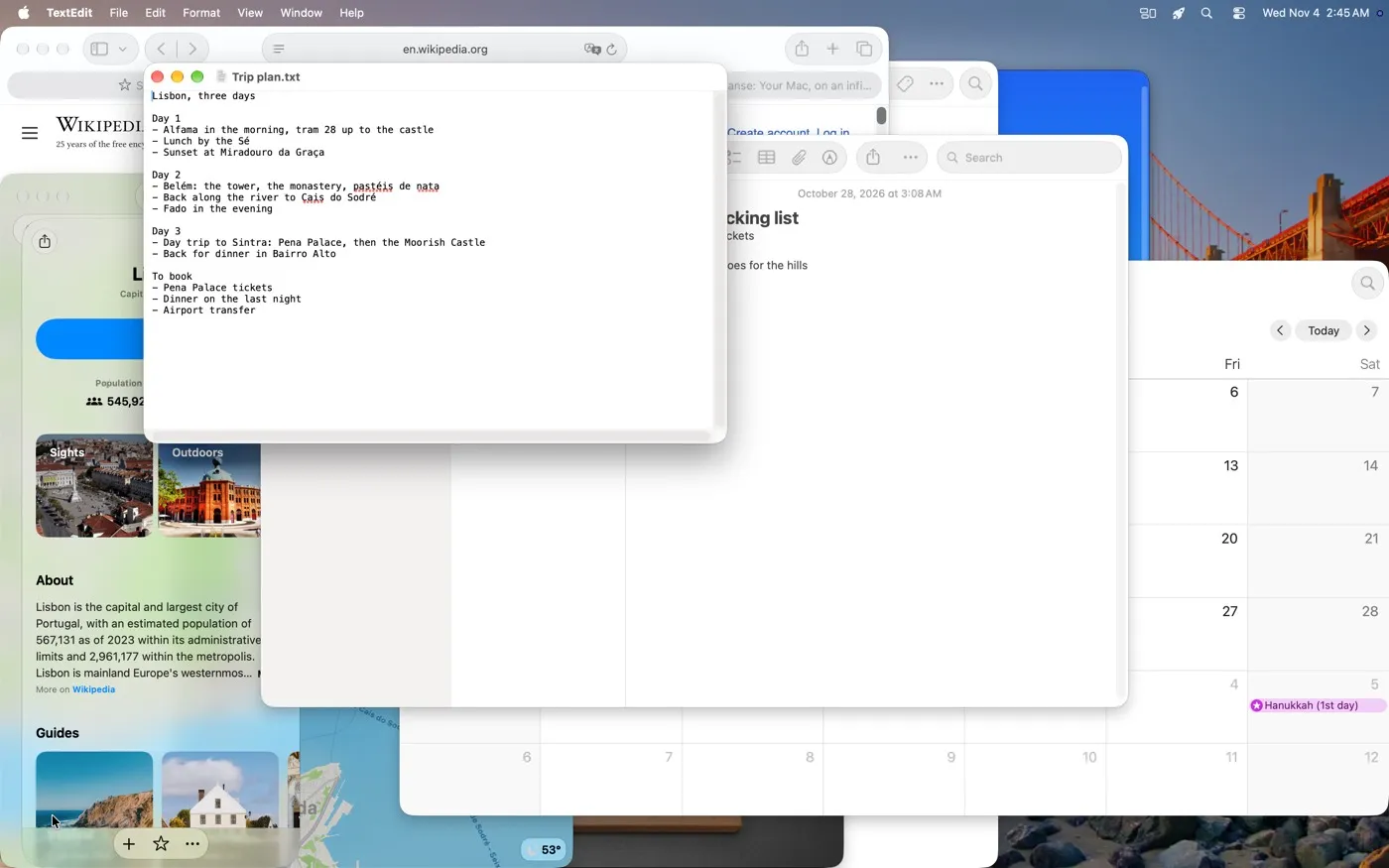
Windows piled up in the middle of the screen, as macOS had them, with Expanse paused

Easy to leave.

Pause or quit and every window goes straight back to where macOS had it.

Windows ended up somewhere odd? Earlier layouts, in the menu bar, puts them back the way they were.

What it needs

Accessibility

So Expanse can move and focus your windows.

Screen Recording

So it can show live pictures of your windows when you zoom out. Nothing is recorded or saved.

A free corner and the ⌃ + arrow keys

macOS uses these too. A short walkthrough shows you which of its settings to switch off, in about a minute.

Expanse

Your Mac, on an infinite canvas.

brew install --cask invig/tap/expanse

On a Windows PC? There's Expanse for Windows too.